
 +86-(0)512-82283871
Content
- 1 Listening Before Building: The Research Phase
- 2 Comfort: Making Long Journeys Feel Natural
- 3 Inclusivity: Building for Everyone
- 4 Safety: Building Confidence Every Day
- 5 Personal Choice: Making the Device Feel Like Yours
- 6 Facing Real Challenges
- 7 Practical Ways to Make It Work
- 8 Caring for the Environment
- 9 Looking Forward
- 10 Why choose Sweetrich
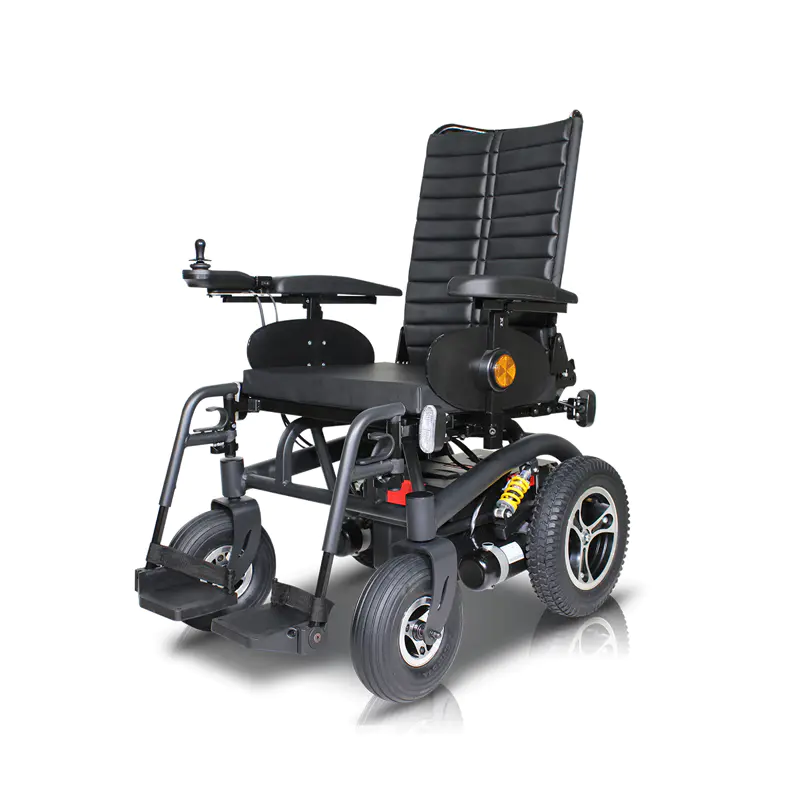
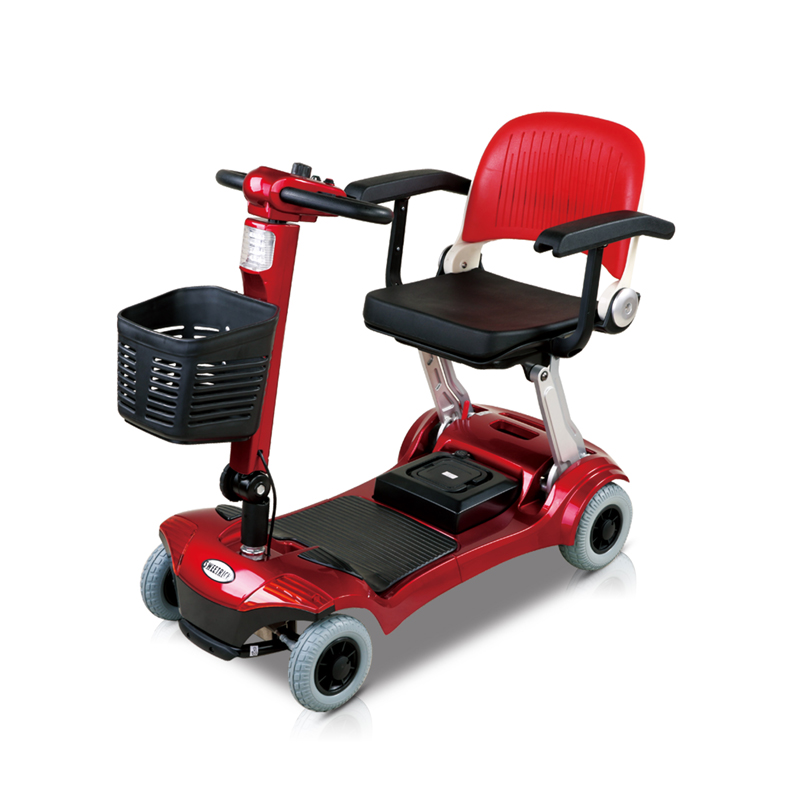
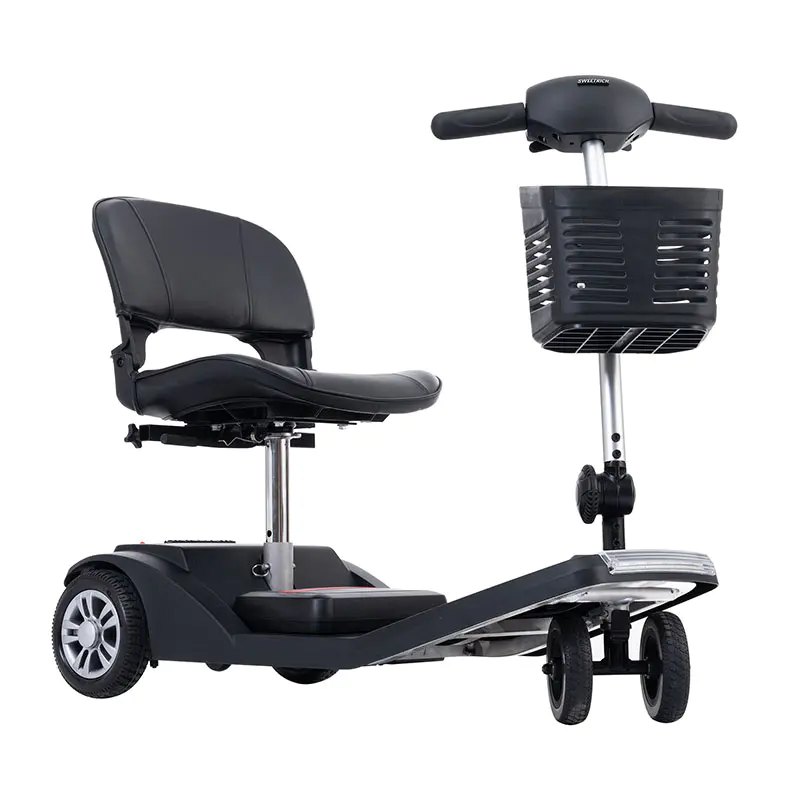
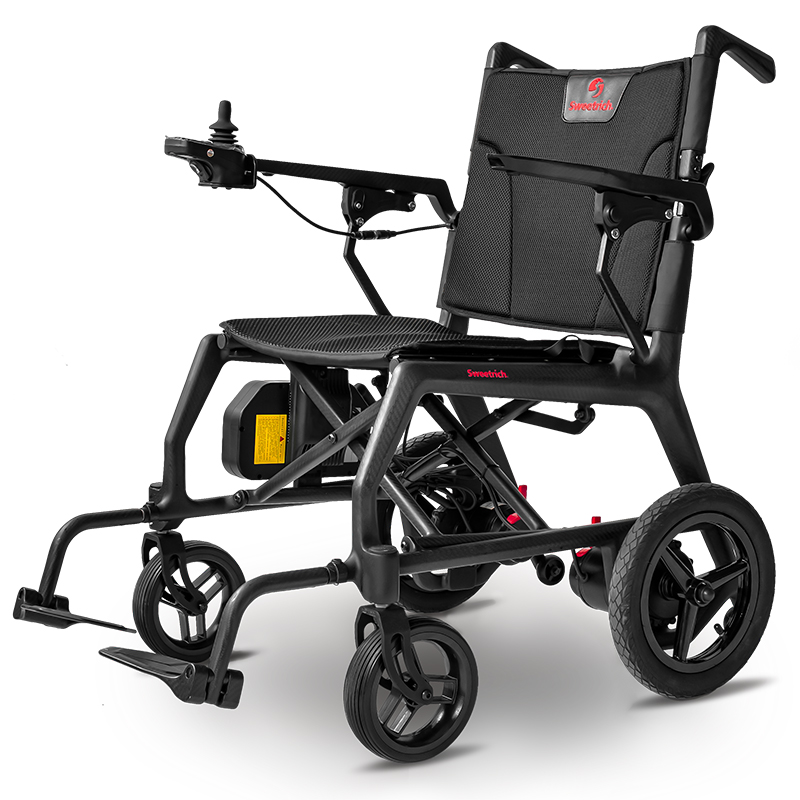
Electric mobility devices have quietly changed how many people move through their daily lives. They give independence to those who find walking difficult, help older adults stay connected with family and friends, and offer practical transport for city dwellers who want to avoid crowded buses or long walks. These powered aids—scooters, powered wheelchairs, and similar vehicles—run quietly, cost relatively little to operate, and produce no exhaust. Sweetrich Wholesale Wheelchair Manufacturer contributes to this field by providing reliable options that support user-centered design. Yet the difference between a device that sits unused in a corner and one that becomes a trusted companion often comes down to design. When engineers and designers put real people at the center of their work, the result is equipment that feels natural to use rather than something that has to be "learned."
Too many mobility aids are built around technical specifications—battery capacity, motor power, speed—while overlooking how the device actually fits into someone's day. A beautifully engineered scooter can still be frustrating if the controls are hard to reach, the seat becomes uncomfortable after twenty minutes, or the turning circle catches on furniture in a small apartment. User-centered design tries to prevent these problems by starting with the people who will live with the product. It asks what matters to them: comfort during longer outings, confidence when navigating busy pavements, ease of getting on and off, or simply a device that does not scream "medical equipment."
Listening Before Building: The Research Phase
The starting point is always conversation. Designers sit down with people who already use mobility aids, people who need them but haven't found the right one yet, and sometimes family members who help with daily routines. They ask open questions: Where do you go often? What makes a trip difficult? What would make you feel safer or more comfortable?
They also watch. Seeing someone attempt to board a scooter in a supermarket car park or maneuver through a crowded café reveals things no questionnaire can capture: the moment of hesitation before a curb, the way shoulders tense when reaching for a distant control, the small sigh of relief when a seat feels supportive. These observations are noted carefully because they point to real pain points.
Diaries and logs add another layer. Users record their trips for a week or two—where they went, how long it took, what felt easy or awkward. Some teams use simple apps that ask for quick feedback right after a journey: "How tired do you feel right now?" or "Did anything make you anxious today?" Over time, patterns appear: certain paths are avoided because of steep slopes, certain times of day feel harder because of crowds.
Workshops bring groups together. People try rough mock-ups, handle sample controls, sit in different seats. They talk freely about what works and what doesn’t. Because participants come from varied backgrounds—different ages, different disabilities, city and rural dwellers—the discussion stays grounded in reality rather than assumptions.
This early listening prevents designers from building something that looks good on paper but fails in real homes and streets.
Comfort: Making Long Journeys Feel Natural
Physical comfort matters more than many people realize. A device that feels fine for five minutes can become exhausting after an hour. Good ergonomic design tries to make every ride as natural as possible.
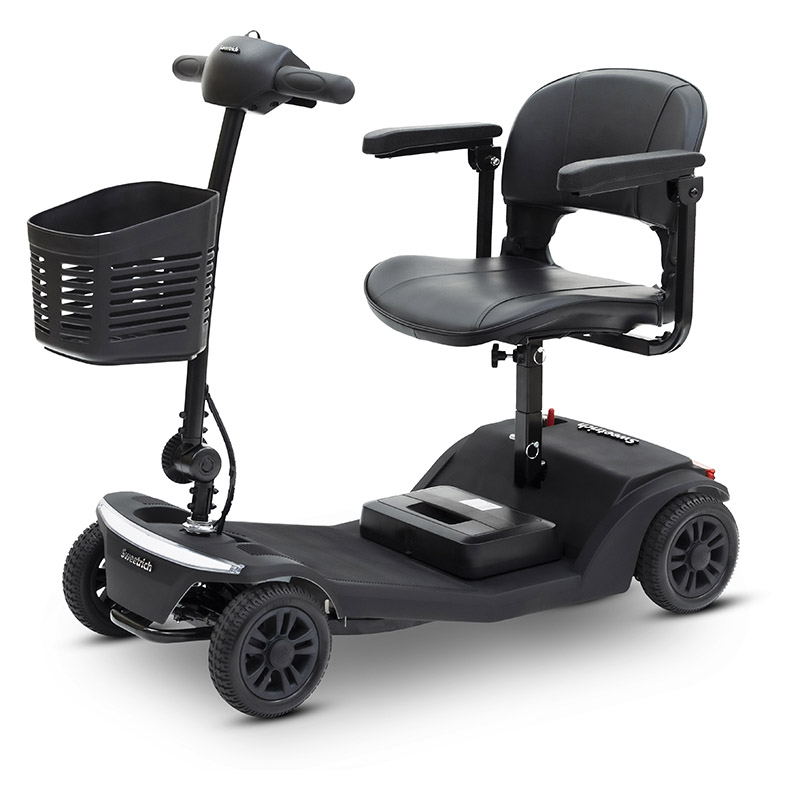
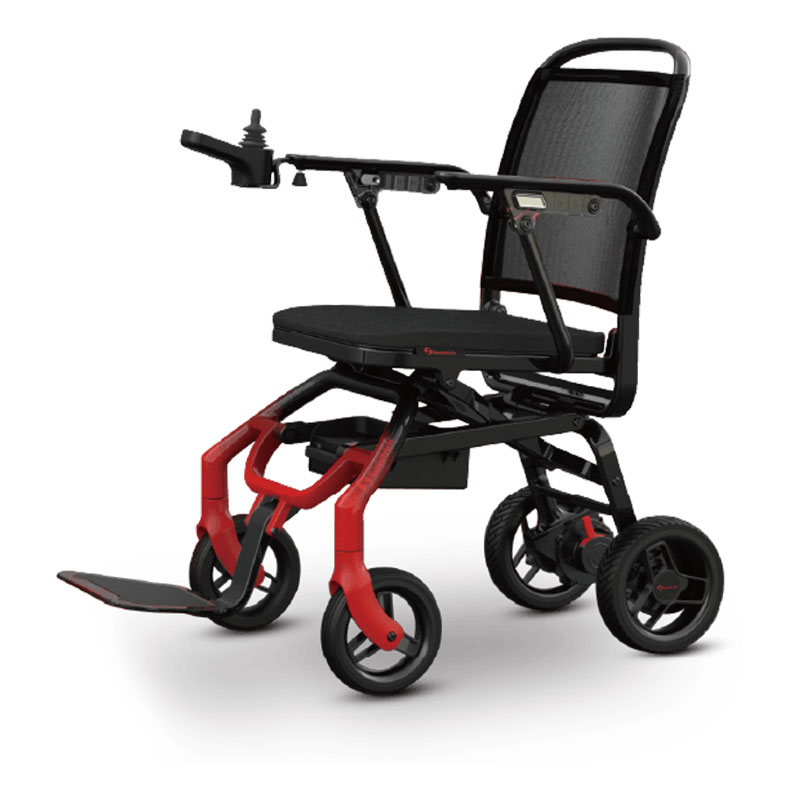
Seats are shaped to follow the body's natural curves. Adjustable height and angle let users find a position that supports the lower back without forcing awkward postures. Cushions spread pressure evenly so legs and hips don't ache. Breathable covers help in warm weather; slightly firmer padding suits users who spend a lot of time seated.
Controls are positioned where hands naturally rest. Joysticks or tillers don't require stretched arms. Buttons and levers give clear feedback—a definite click or gentle resistance—so users know the command has registered. For people with weaker grips, larger surfaces or lighter pressure points make operation easier.
Balance affects how secure the ride feels. When weight is distributed evenly, the device stays stable during turns or when going over small bumps. Suspension softens jolts from uneven paths, sparing joints and spine. Steering that responds smoothly builds confidence; overly sensitive controls can make users tense.
Even small details count. Fold-down armrests make transfers easier. Footplates that adjust to leg length prevent dangling feet or cramped knees. When designers consider the entire experience—from sitting down to folding the device away—the result is something that feels like an extension of the body rather than a separate machine.
Inclusivity: Building for Everyone
A good mobility device should be usable by as many people as possible. That means thinking about different abilities, ages, sizes, and situations from the very beginning.
Feedback that uses multiple senses helps. Bright displays with large characters remain readable in sunlight. Clear audible signals confirm actions for those who find screens hard to see. Gentle vibrations can notify without drawing attention in quiet places.
Different control options give choice. While joysticks work for many, chin controls, head arrays, or breath-operated systems support people with limited arm movement. Simple switches can be operated by almost any part of the body. Voice commands handle basic functions when hands are occupied.
Getting on and off should be straightforward. Low floors, adjustable heights, and sturdy grab handles make transfers smoother. Stable platforms reduce wobble during boarding.
Navigation features can make unfamiliar places less daunting. Route suggestions that avoid steep hills or narrow paths help plan easier journeys. Phone connectivity can provide spoken directions or quick calls for assistance.
Clear, uncluttered interfaces reduce confusion. Large icons, logical menu order, and the option to hide advanced settings keep things manageable. When a device adapts to changing needs—whether temporary injury or gradual aging—it becomes a companion rather than a reminder of limitation.
Safety: Building Confidence Every Day
Nobody likes feeling uncertain about whether their mobility device will stay upright or respond properly. Good design makes safety part of everything, not something added at the end.
The frame itself is built to take normal bumps and the occasional harder knock without bending or breaking. Teams test stability on hills, over curbs, and during quick stops to make sure the device stays steady. Tires and wheels are chosen to hold grip on wet pavements, loose gravel, or shiny indoor floors.
Smart features help prevent problems. The device automatically slows on steep slopes. Sensors give warnings or ease off the speed when objects get close. Extra support wheels kick in during tight turns to stop tipping.
Being seen is important too. Strong front and rear lights, turn signals, and reflective bands help cars and people on foot spot the device, day or night. A simple horn or bell lets the rider alert others when needed.
For emergencies, there's a big, easy-to-hit stop button that cuts power right away. If the device tips over, it shuts off movement automatically. Batteries are enclosed so heat or leaks stay contained.
Trying the device with actual users catches the small things: screen glare on sunny days, footrests that get slippery after rain, or buttons that are hard to find in dim light. Each round of real-world testing and feedback makes the device feel safer and more reliable.
Personal Choice: Making the Device Feel Like Yours
People want a mobility aid that suits their taste and daily needs. Offering options changes how the device feels—from something prescribed to something chosen.
Parts can be swapped or selected at purchase. Users pick seat size, armrest height, basket type, or colors. Some go for cheerful shades that stand out; others prefer quiet tones that don't draw attention.
Controls can be tuned through settings. Riders who like a gentle start can soften acceleration; those who want quicker response can sharpen it. Common actions—lights, horn, speed change—can be moved to the easiest buttons.
Extra items attach simply. Rain covers for bad weather, larger baskets for errands, or special cushions for comfort clip on without tools.
When life changes—new home, different routine, or shifting abilities—the device can adapt. Parts wear out and get replaced easily. Updates through an app bring new features. This means many people keep the same device for years instead of starting over.
| Customization Aspect | Key Options and Benefits |
|---|---|
| Initial selection | Seat size, armrest height, basket type, colors (cheerful or subtle) |
| Control tuning | Adjust acceleration (gentle or quick); reassign common buttons (lights, horn, speed) |
| Accessories | Easy-attach items: rain covers, larger baskets, special cushions |
| Long-term adaptation | Replaceable parts; app updates for new features; supports changing needs over years |
Facing Real Challenges
Putting users sounds simple, but it takes work. Reaching a wide mix of people for testing means planning around health appointments, travel limits, or busy schedules.
Building and trying several versions costs time and money. Deciding what features to include without pushing the price too high requires careful choices.
Technical realities create limits. Bigger batteries for longer range add weight. Stronger drive systems can make the device bulkier. Teams weigh each trade-off against what users said matters most.
Rules differ across countries. Safety testing, electrical standards, and accessibility guidelines all shape what's possible. Meeting them while keeping the design flexible adds another layer.
Working with disability groups helps. They connect designers to testers and share practical knowledge. Flexible schedules and clear communication keep projects moving forward.
Practical Ways to Make It Work
Strong routines help. A standing group of users gives ongoing advice. Regular check-ins with testers keep the work focused on real needs.
Rough prototypes come together quickly so people can try ideas early. Computer models test comfort and reach before anything is built. Video calls and online forms let far-away users join in.
Information from everyday rides—how far people go, where they pause, how settings get adjusted—shows what actually gets used. Talking directly to riders fills in the details.
Teams with mixed backgrounds—engineers, designers, occupational therapists, and users—see problems from different angles. Honest conversations about limits and possibilities to better decisions.
When choices get tough, the team asks a simple question: which way helps the people we talked to the most?
Caring for the Environment
Good design thinks about the planet too. Building devices to last cuts down on replacements. Parts that can be fixed instead of thrown away keep things in use longer.
Motors that sip power and clever charging systems stretch each charge further. Braking that feeds energy back into the battery helps on downhill stretches.
Choosing recycled materials where possible reduces the need for new resources. Designing parts so they can be recycled later keeps waste lower.
Clear instructions—storing out of weather, charging habits, tire care—help owners get years of service. When people like their device and look after it, the environmental impact stays smaller.
Looking Forward
New ideas keep coming. Better route planning might warn about rough pavements ahead. Systems could gently learn a rider's usual pace and adjust help accordingly. Lighter frames and smaller, stronger batteries would make handling easier.
Through all the changes, one thing stays constant: starting with real people and their actual lives. New technology only helps when it makes things simpler and more reliable.
| Future Trend | Potential Benefit |
|---|---|
| Advanced route planning | Warns about rough pavements for smoother journeys |
| Adaptive assistance systems | Learns rider's pace and adjusts support gently |
| Lighter frames & better batteries | Improves handling and ease of use |
| Core principle | Always start with real people and their daily lives |
Why choose Sweetrich
Sweetrich stands out as a preferred choice for many developers and brands due to its consistent focus on user-centered principles throughout every stage of production. The company brings together experienced teams that prioritize real-user feedback, ergonomic refinement, inclusive features, and rigorous safety testing, resulting in devices that feel intuitive and supportive rather than clinical or cumbersome. Sweetrich also offers flexible customization capabilities, efficient prototyping support, and a commitment to sustainable materials and processes without sacrificing durability or performanc